

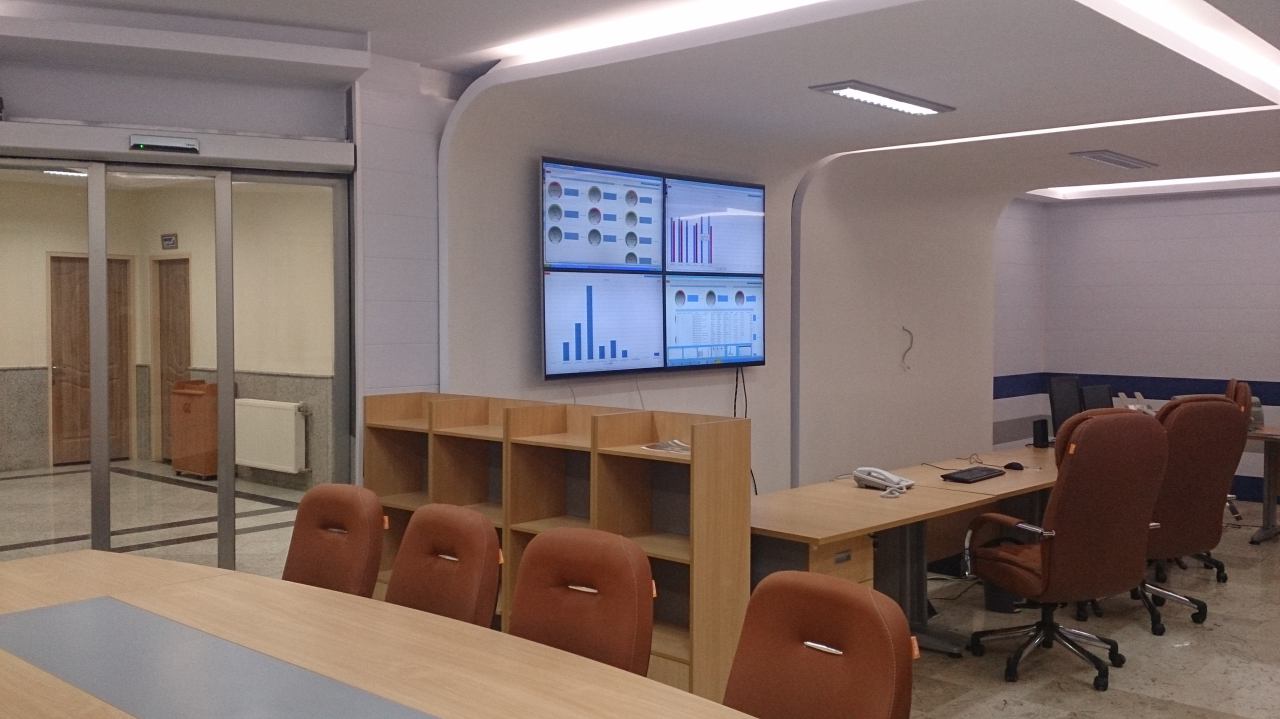
IFA Data Loggers Monitoring System
- Access to the classified information on the website
- Fast response to advanced reports
- Managing and keeping unlimited reports without efficiency reduction
- Unlimited access via different PDAs
- Live display of received data in the form of diagrams or charts
- Some of the Characteristics of Online Software to Manage Received Data from Data Loggers
- Classifying data loggers according to geographical areas
- Classifying users in terms of their accessibility levels and providing tree diagrams
- Live observation of general status of data loggers on the map
- Separate pages for data loggers in order to observe:
- Reports in diagram, chart, and Gauge
- Reports hourly, daily, monthly, and manually
- Alarms
- Default schematic
- Configuring and setting data logger ports
- Defining alarms and setting numbers in order to send immediate SMS when there is an alarm
- Live observation of data logger warnings on all of the pages
- Observing archived alarms and reports of data loggers with search capability according to all the fields
- Observing all the reports and alarms in charts and diagrams
- Observing all the variables of the data loggers in the form of diagrams (live and archived)
- Schematic defining for HMI observing of data logger’s status
- Hourly, daily, monthly, and yearly reports in the forms of charts and diagrams classified as below:
- Different variables
- Different cumulative functions including minimum, maximum, average, deviation and son on Different data loggers
- Sending a variety of controlling and setting commands to the data loggers in group
- Sending automatic commands in order to recover data, set time, and set sending rate
- Keeping a record of users’ activities on the website
- Sending all the reports in RFT, CSV, PDF, XLSX formats
- Defining a verity of variables like temperature, pressure and so on in order to manage data easily
- Defining profiles for diagrams and different reports in order to ease working and save time
- Filtering the lists according different fields
- Creating advanced filters (and, or, not)